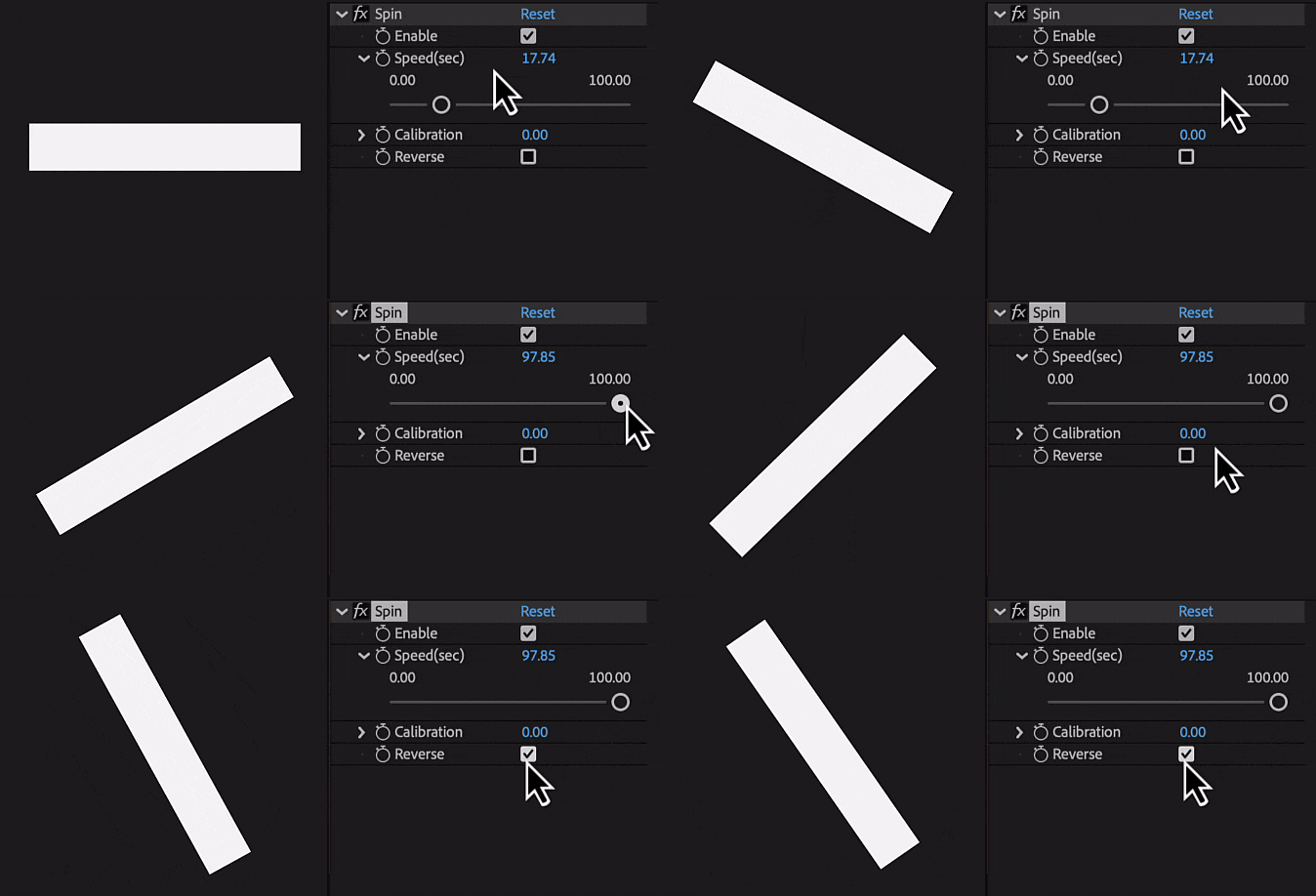
Spin
Applies an expression control on selected layers for adding a continuous rotation
Options
- Enable: turns 'Spin' on or off
- Speed (sec): sets rotation duration
- Calibration: adjusts rotation start point
- Reverse: changes rotation direction
How to use
-
1
Choose the layers you want to modify
-
2
Apply the 'Spin' tool to these layers
-
3
This will create effects on the selected layers
-
4
Make adjustments to these effects as required