
Links effect properties on selected layers to a single master effect
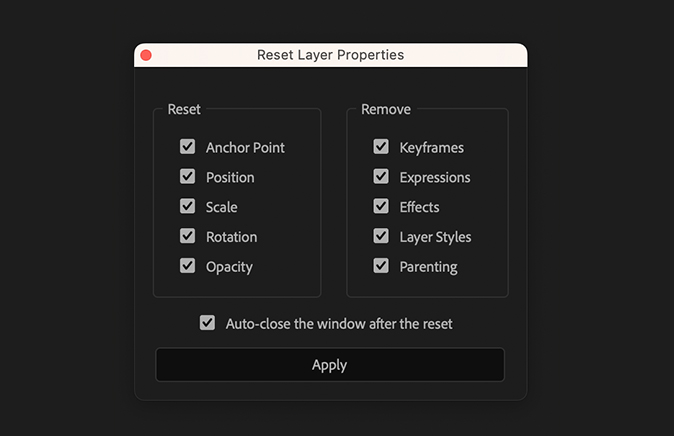
Reset
Use these checkboxes to reset the layer's transform properties to their default values
- Anchor Point
- Position
- Scale
- Rotation
- Opacity
Remove
Use these checkboxes to remove specific items from your layers
- Keyframes: Removes all keyframes
- Expressions: Removes all expressions
- Effects: Removes all effects
- Layer Styles: Removes all layer styles
- Parenting: Removes the parenting link from the layer
How to use
