
Deletes keyframes based on a user-defined scope and time range
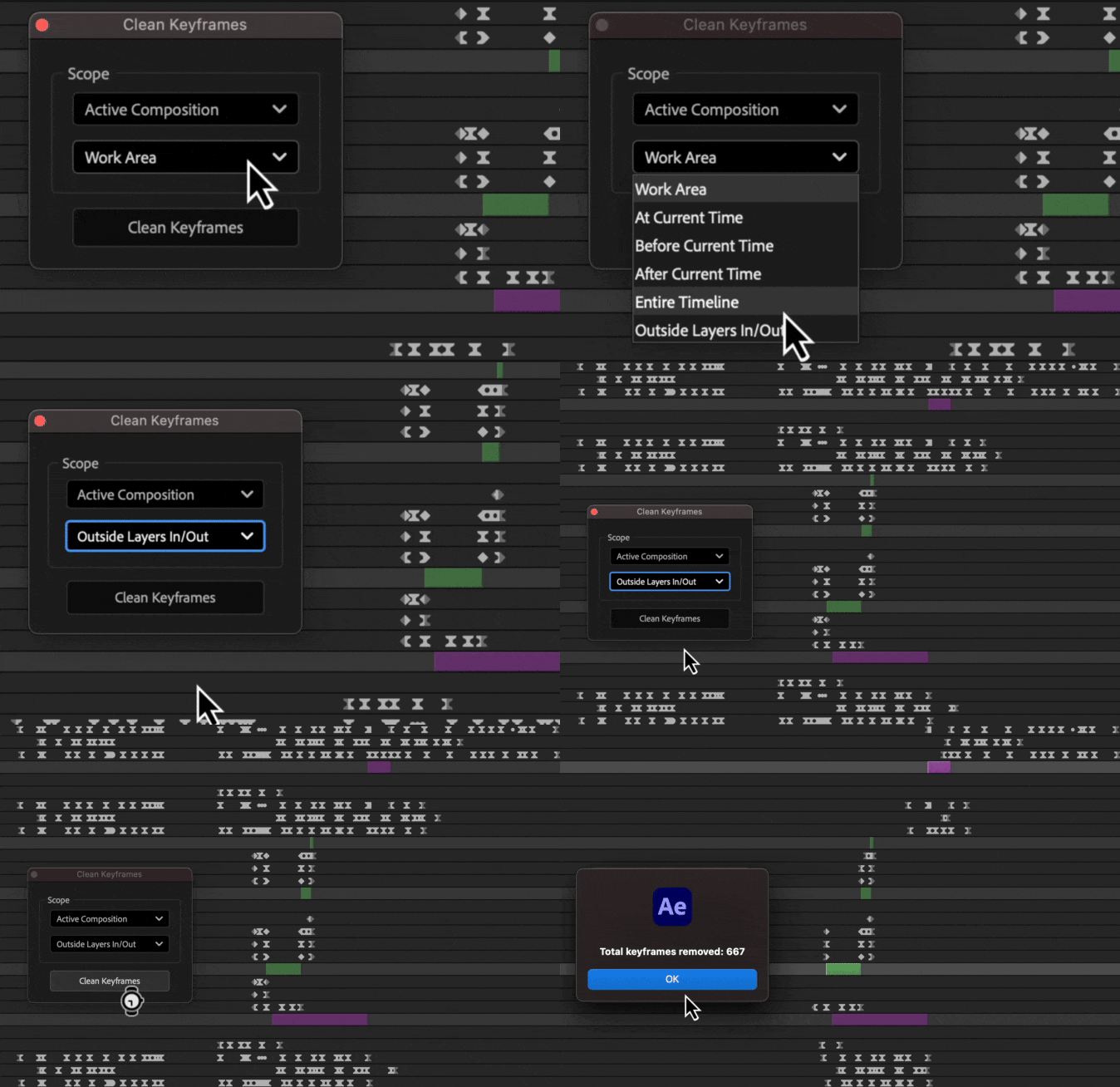
How to use
Layer/Composition Scope
- Selected Layers: Cleans keyframes only on the layers you have selected
- Active Composition: Cleans keyframes on all layers within the currently active composition
- Selected Compositions: Cleans keyframes on all layers within the compositions you have selected in the project panel
- Entire Project: Cleans keyframes on all layers in every composition throughout your entire project
Time Scope
- Work Area: Cleans keyframes within the defined work area of the timeline
- At Current Time: Removes any keyframes located exactly at the current time indicator
- Before Current Time: Cleans all keyframes that appear before the current time indicator
- After Current Time: Cleans all keyframes that appear after the current time indicator
- Entire Timeline: Cleans keyframes across the entire duration of the composition
- Outside Layers In/Out: Removes keyframes that are before a layer's In-Point or after its Out-Point
