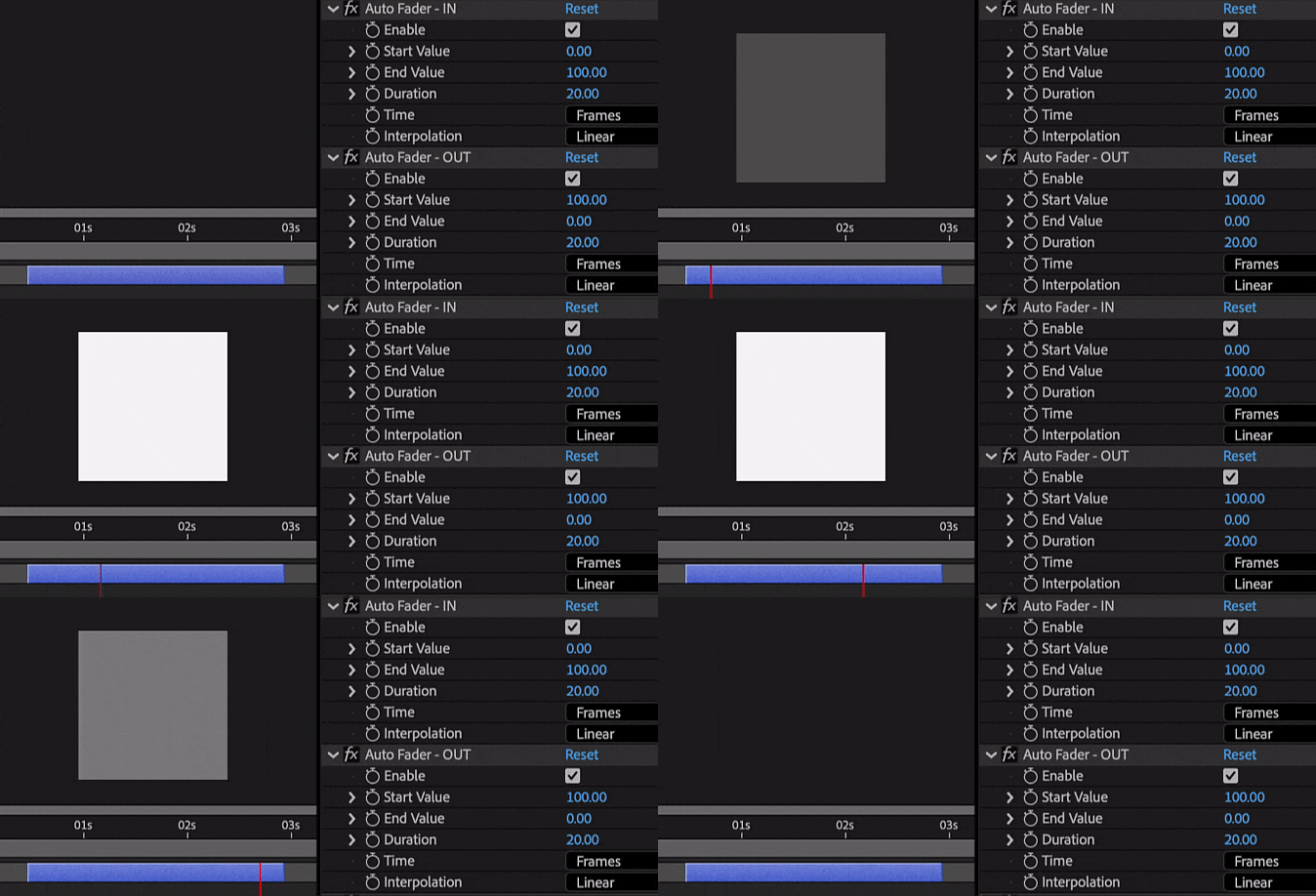
Applies an automatic fader function on selected layers based on layer in/out points, including support for audio channels
How to use
-
1
Choose the layers you want to modify
-
2
Activate the Auto Fader tool
-
3
It will apply an automatic fade to your chosen layers
-
4
For further control, adjust the 'Fade In' and 'Fade Out' effects separately
-
5
Select the layer and visit the 'Effects Controls' panel
Note
The tool will also apply a fade to the audio channels when you select an audio layer or a footage that contains an audio channel